
June Update
Welcome to our June update. The summer already seems to be flying by—far too quickly for my liking.
In the meantime, we have completed our second challenge, Echoes of Time. It was a genuine pleasure to receive and explore every submission, and deeply rewarding to see how uniquely and personally each artist interpreted the theme.
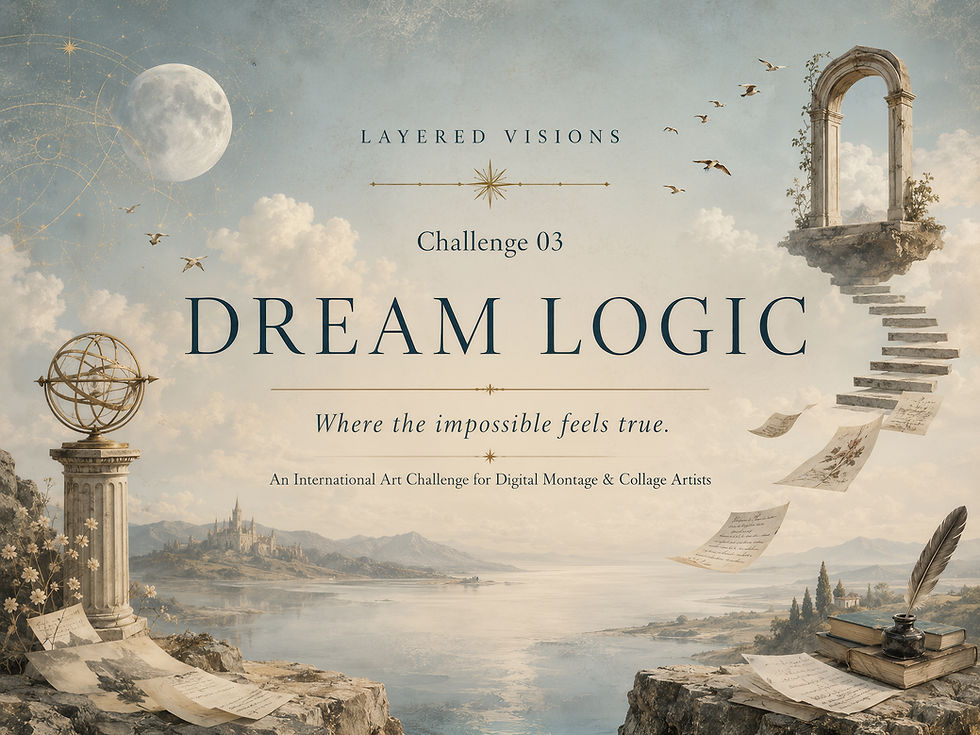
Please take a moment to visit the Echoes of Time Gallery, and we would be delighted to welcome you to our next challenge for June: Dream Logic.
At the bottom of this email, you will find a section titled General Feedback for Future Challenges, containing several important points to consider both during the creative process and when preparing your artwork for submission. Please take a moment to read through them carefully.
Spot the difference.
The first image was generated with AI three years ago; the second is the same image reimagined today. The remarkable progress in quality inspired me to revisit The Last Tango in Paris collection, refine the original images and add several new works to the set.
The updated collection is now also available on KAIZEN.
New Collections in my Digital Element Shop
If you have missed my updates on Facebook, this is a chance to view new or newish collections that you can find in my digital elements shop for creatives.
Here’s an Update on Some Previous Collections.
I’ve recently reworked Last Tango in Paris with better and updated images + 10 extra tango couples and added backgrounds and floating figures to Sandman. If you’ve previously purchased these collections and have lost the PSD files or download links, please don’t hesitate to contact me through my website — I’ll respond as soon as possible. I kindly ask that you keep these links private, as they’re intended only for customers who’ve purchased the collections and may need to re-download or access updated versions.
For those that are not familiar with photoshop and image artistry, I highly recommend Sebastian Michaels' Photo Artistry Course. It's a great way to learn photoshop and to learn how to express yourself through this digital art form.
Please let me know if you have any questions or requests. Thank you for visiting my website.
General Feedback for Future Challenges
As Layered Visions continues to grow, I would like to share a few general observations that may help artists strengthen future submissions. These points are not aimed at any one artist or artwork, but are offered as constructive guidance for anyone working with digital montage, collage, and layered image-making.
Refine extracted edges -
When using cut-out elements or subjects, check carefully for white halos, rough edges, or traces of the original background. Clean, refined edges help elements sit more naturally within the final image.
Avoid elements looking “stuck on” -
In photographic, cinematic, surreal, or painterly compositions, elements usually need to be worked into the scene. Light, shadow, colour, texture, and atmosphere can help them feel as though they belong.
Use shadows with intention -
Shadows should respond to the light direction, environment, and time of day. Creating shadows on separate layers can make them easier to move, soften, blur, warp, or reduce until they feel natural.
Consider the style of the image -
In a deliberate cut-and-paste collage style, elements may intentionally sit flatter with a tighter graphic shadow. In more realistic or surreal compositions, however, elements often need to be more carefully layered and nestled into the scene.
Make the theme connection clear -
The artwork does not need to be literal, but the connection to the challenge theme should feel considered. If the theme is not immediately clear, a short artist statement can help viewers understand the idea behind the work.
Create your own title -
Please try not to use the challenge theme itself as the title of your artwork. A personal title gives the piece its own identity and helps viewers connect more deeply with your interpretation.
Watch for overworked areas -
If parts of an image begin to look smudgy, muddy, or unclear, it may be a sign that the work has been over-blended, over-softened, or over-processed. Sometimes simplifying or stepping back can make the image stronger.
Match quality, style, and resolution -
When combining different elements, try to use images that work well together in terms of pixel quality, sharpness, lighting, and style. If the sources are very different, use texture, colour harmony, and grading to bring them into the same visual world.
Think about cohesion -
Strong layered artworks usually feel intentional and unified. Composition, scale, perspective, tone, light, colour, texture, and atmosphere should work together to create a convincing or emotionally engaging image.
Use frames only when necessary -
Frames and borders should only be included if they are an important part of the artwork or concept. Otherwise, it is usually stronger to let the image stand on its own, especially within a curated gallery where all works are viewed together.
The aim is not perfection, but thoughtful image-making. A strong artwork feels considered, carefully built, and connected to the theme through both idea and execution.


Comments